


"Nice app. Like the ability to expand and rotate pks easily."
NoochedUnited States
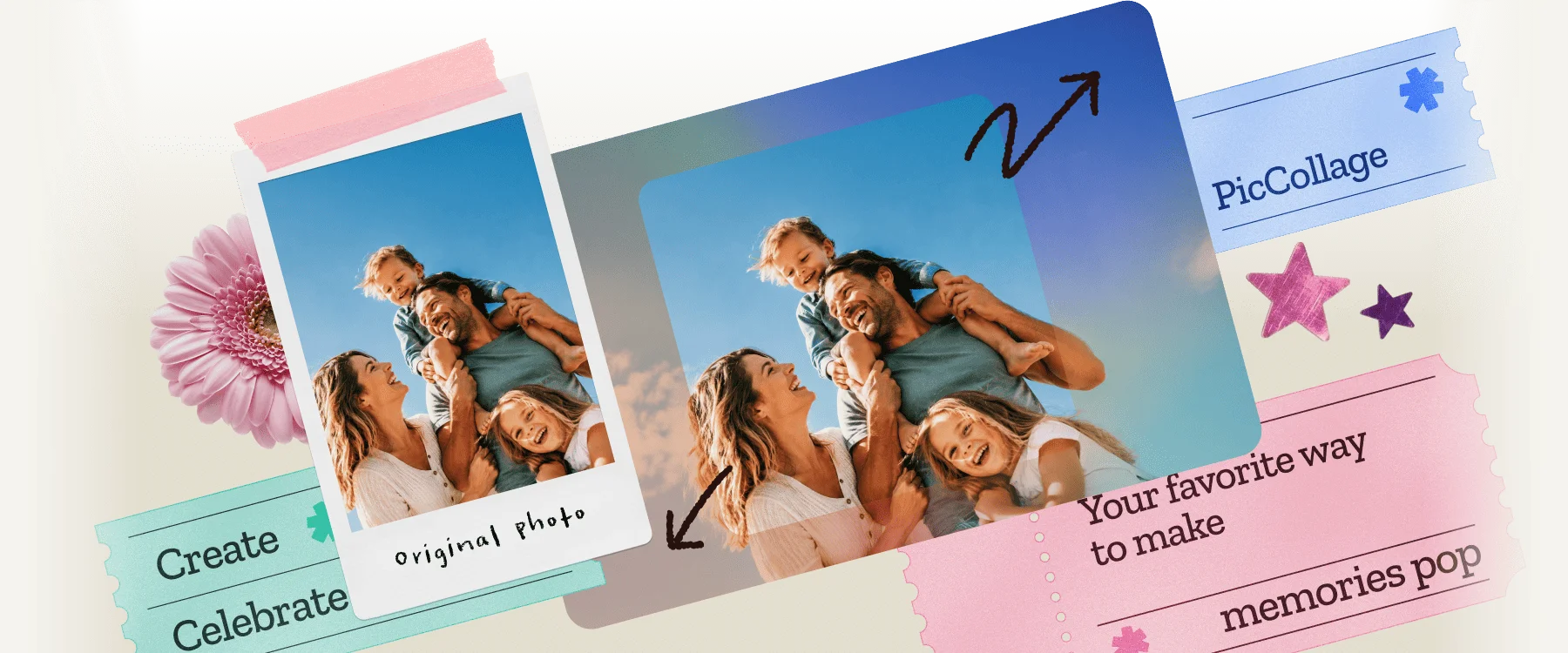
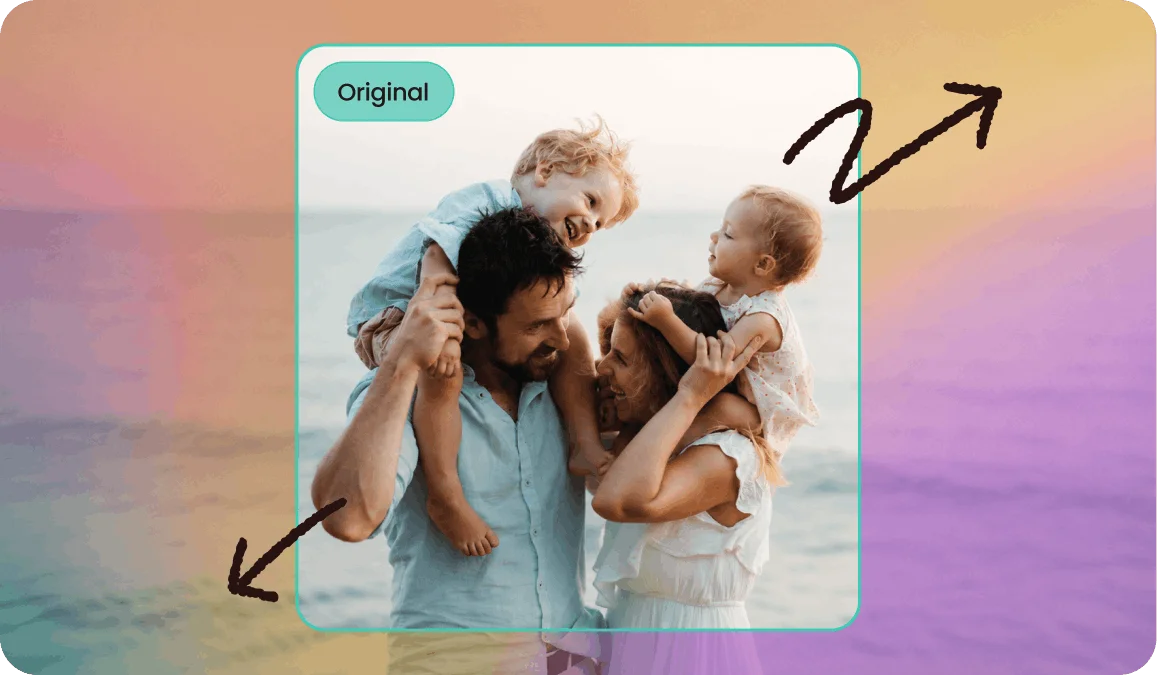
Your photo ended too soon. Let AI continue it. Extend any image in any direction, free and instant.
Click to browse from your deviceDrop your photo here or click to browse from your device
JPEG, PNG, WEBP, HEIC
By uploading a file, you agree to PicCollage's Terms of Use and Privacy Policy.
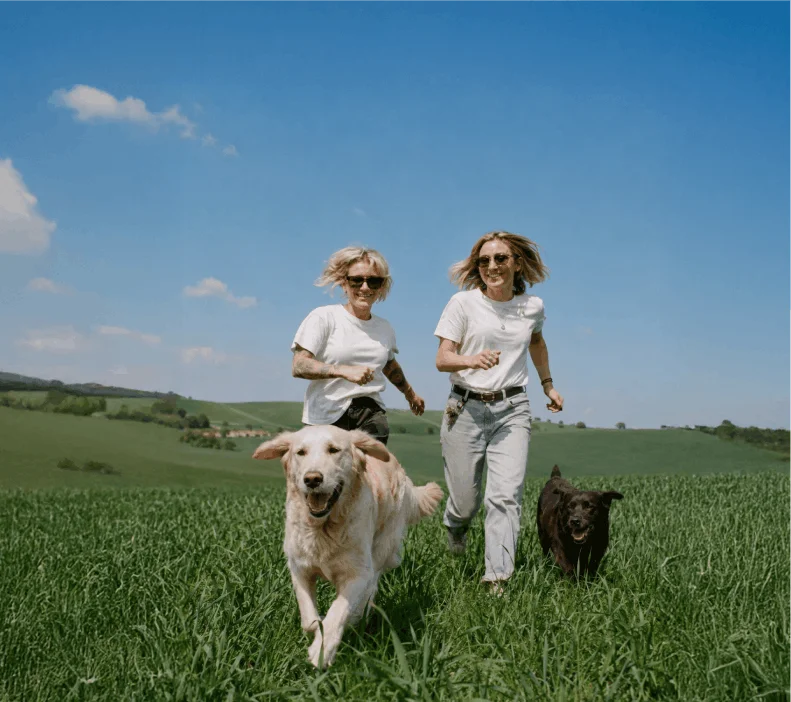
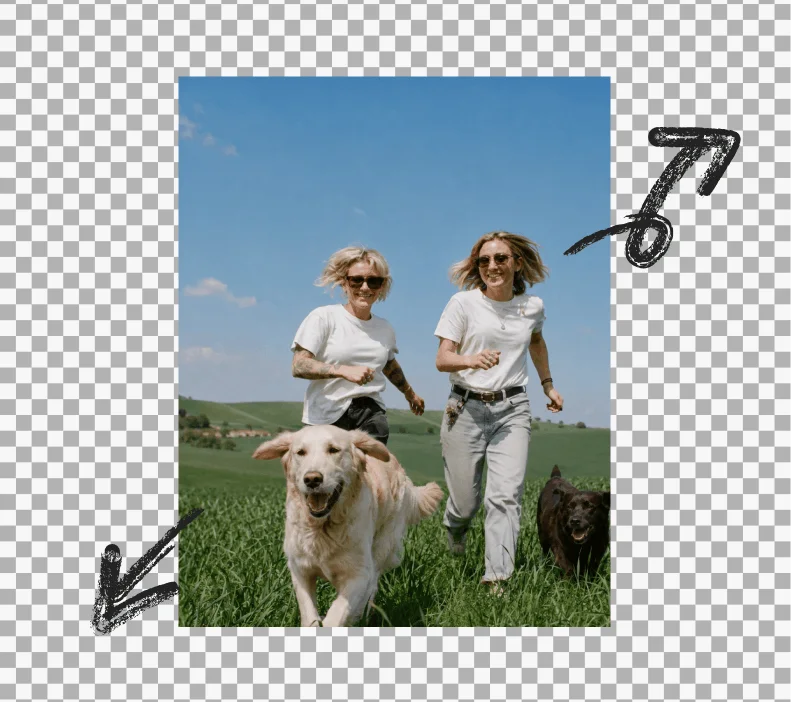
or try a sample photo
We've brought the same powerful features you love in our app directly to your browser.
HOW-TO STEPS
Step 01
📐 Upload and Pick a New Size — Drop in your photo. Choose where you want more space: wider, taller, or both. Pick from presets (landscape, square, story, widescreen) or set a custom size.
Step 02
🧠 AI Generates What's Missing — The tool reads the colors, textures, and scene in your original photo and paints new content that continues naturally beyond the edges. Not a stretch. Not a blur. Actual new pixels that match.
Step 03
💾 Download in High Resolution: Your expanded image saves at a quality ready for social posts, websites, and printing at home. No watermark, no signup wall, no "upgrade to unlock" paywall.
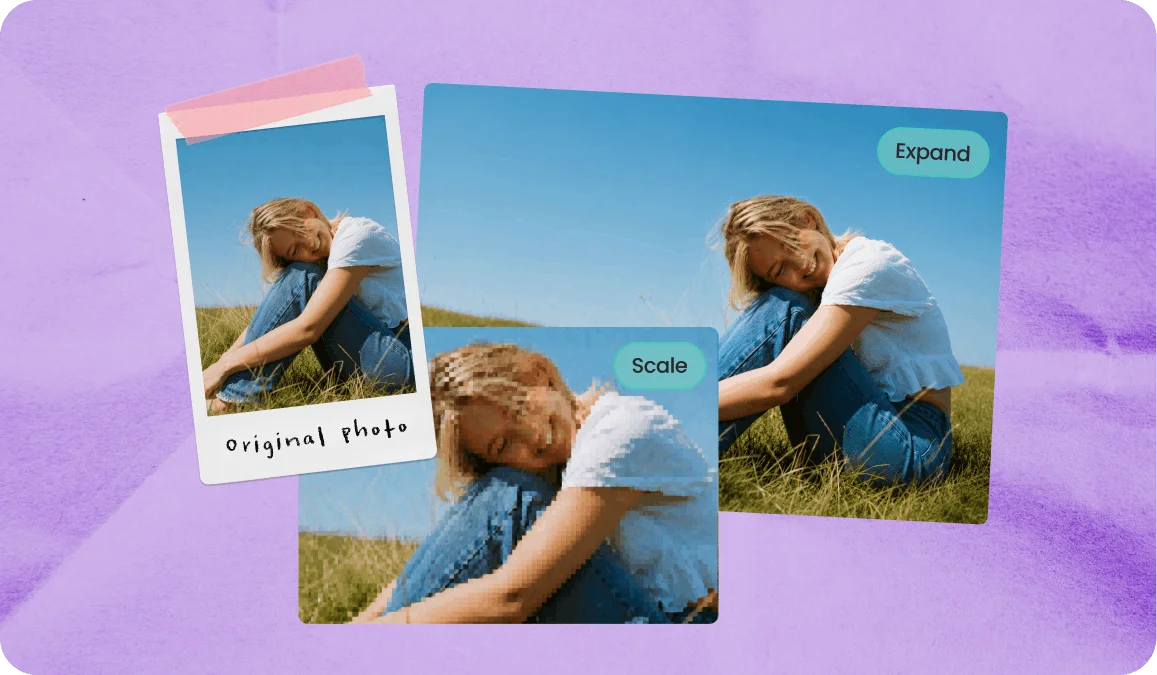
There's a big difference between making an image bigger and making an image contain more. Resizing stretches existing pixels, which can make a photo blurry and distorted.
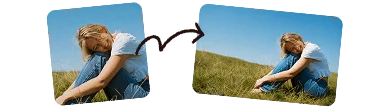
An AI image extender (also called an AI image expander) does the opposite. It analyzes what is already in your photo and generates new matching content beyond the edges, so you can extend or expand an image without stretching the original.
For example, if your beach photo is framed too tight, the AI can add more sky or sand around the subject. The original photo stays the same. You just get a larger scene that looks natural.
USE CASES
You shot a portrait but the template, thumbnail, or frame needs landscape. Instead of cropping and losing half the photo, extend the sides and keep everything.
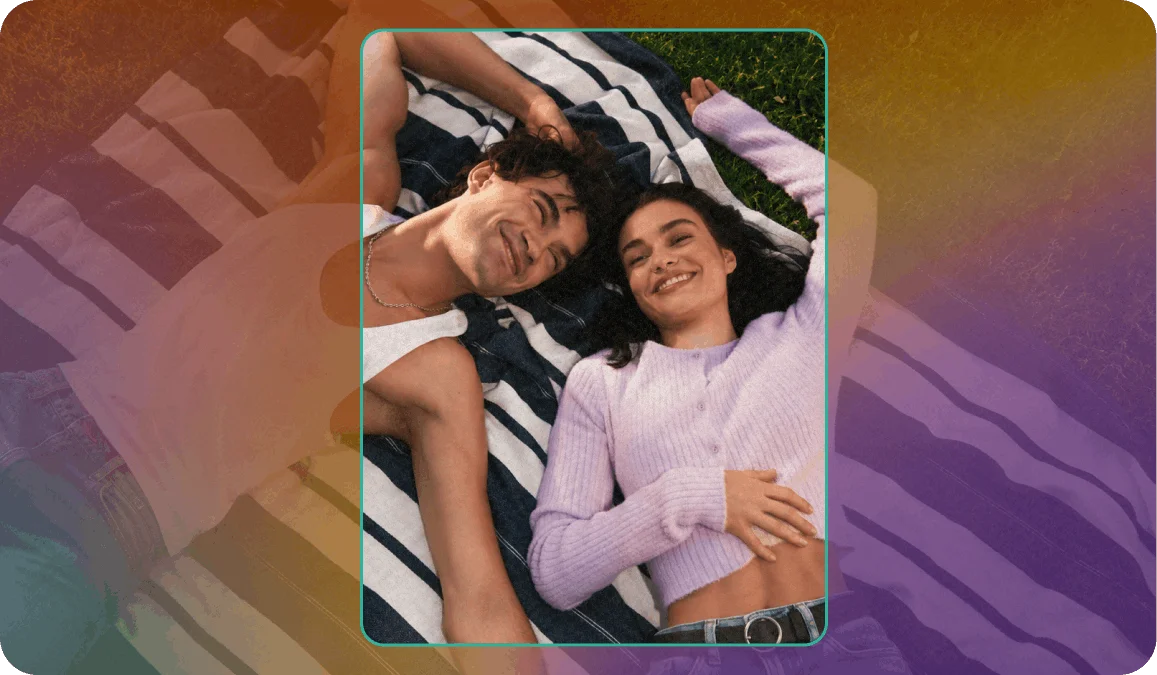
Feet chopped at the ankles. The top of the building missing. Half the group out of frame. Expand the image to reveal what the camera missed.
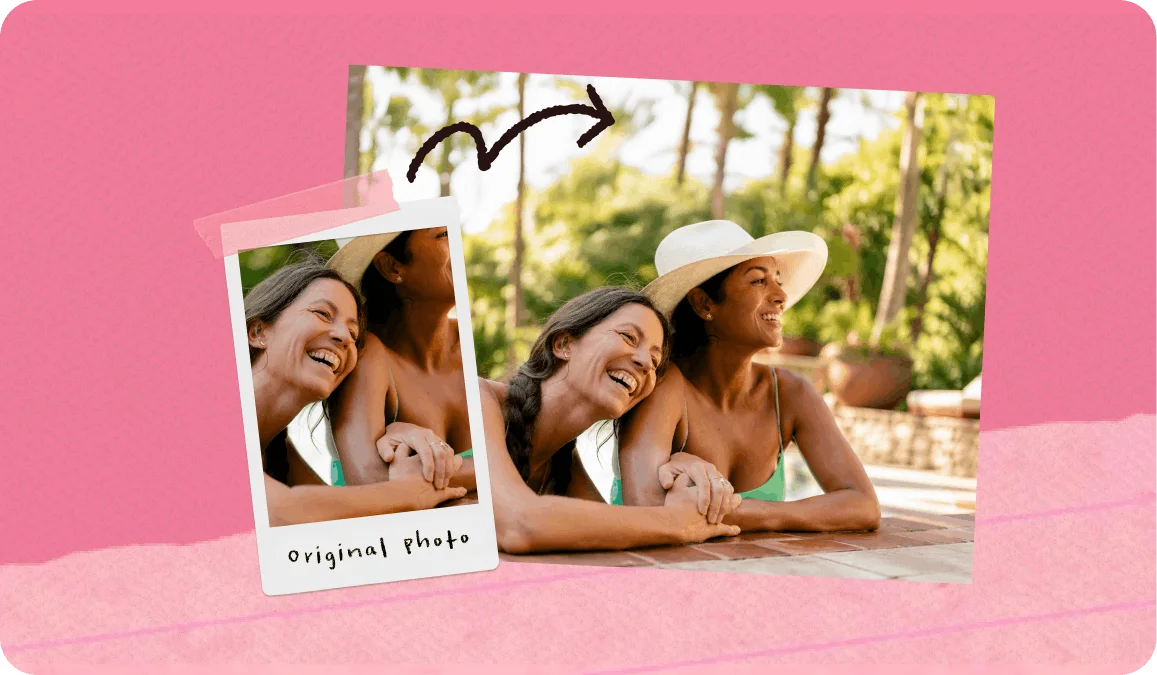
Your favorite picture is perfect — except it's not wide enough for a canvas print, a desktop wallpaper, or a framed 5×7. Extend the background to fill the size you actually need.
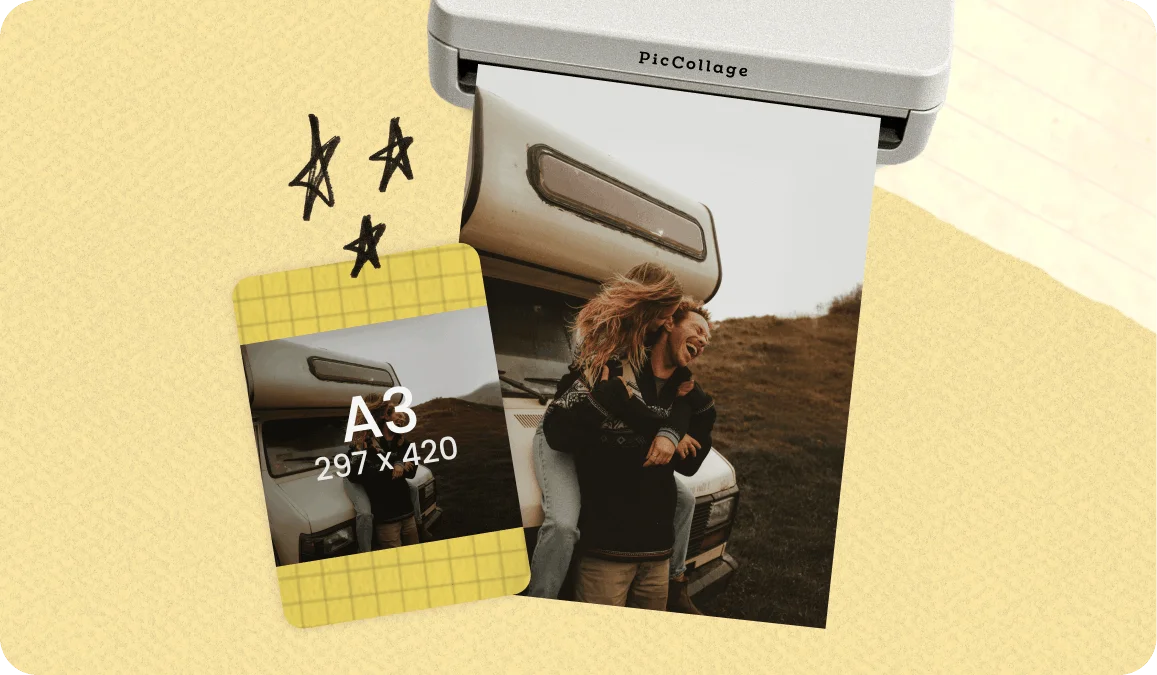
Expanding the background gives you clean space to add a title, a quote, a logo, or just let the design breathe without crowding the subject.
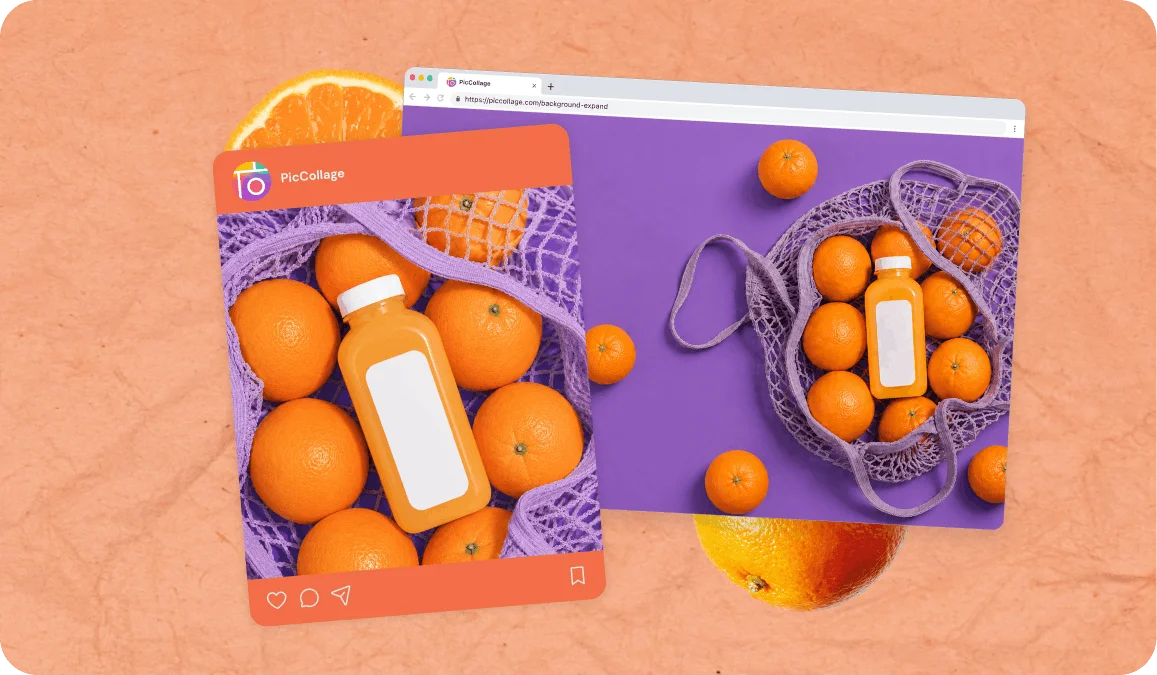
Resizing (scaling up) a photo will always lose quality. You're asking the same number of pixels to cover a larger area, so things get soft and blurry. This is true whether you do it in any App, Preview, or any other tool. You can't create detail from nothing by just making the canvas bigger.
AI image extension is a different process entirely. Instead of stretching pixels, the AI generates new content around the edges of your photo. Your existing scene isn't pulled or smudged, and the added areas are created from scratch to match the colors, lighting, and textures already in the frame. The final image is delivered at a high resolution that holds up across social media, websites, and most everyday uses. You get a wider or taller composition that still looks sharp, without the blurry edges you'd see from a traditional resize.
Most AI image extenders give you a bigger photo and that's the end of the story. This one is connected to a full creative toolkit.
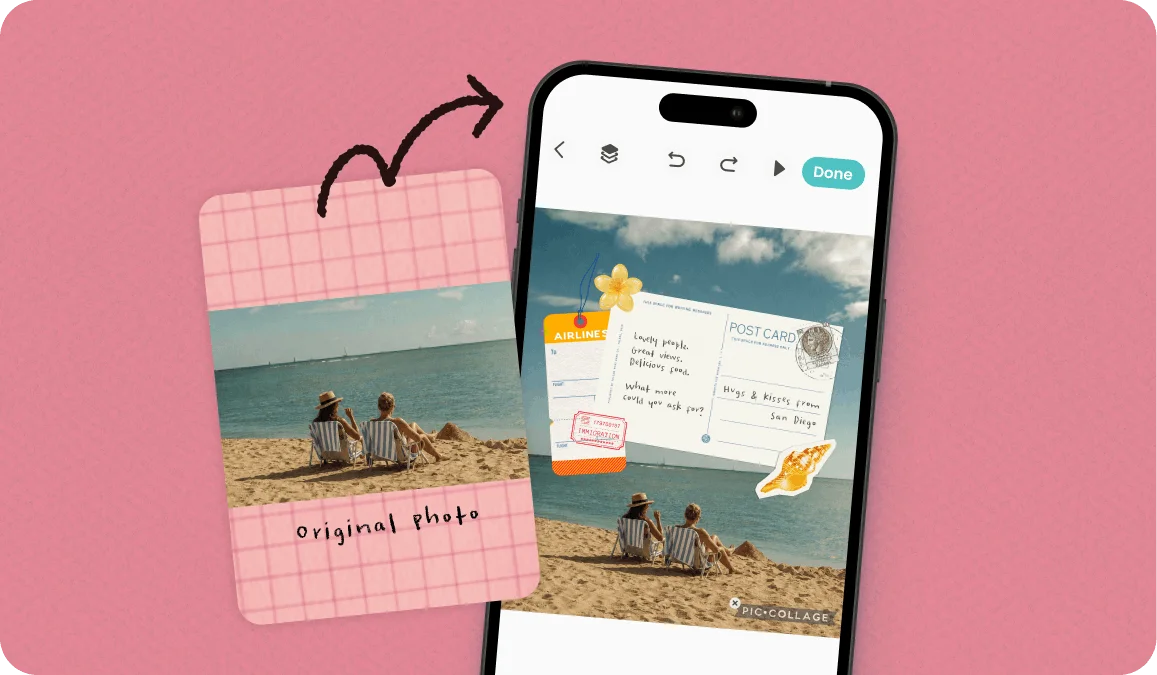
Once you've expanded your image, you can open it directly in PicCollage to turn it into something. A holiday card where the extended sky becomes space for a festive message. A birthday collage where the extra canvas room lets you layer cutouts, stickers, and doodles without it feeling cramped. A memory page where the wider frame finally fits the whole story.
You can also combine image extension with background removal to do things that would normally require multiple apps. Extend a photo to fit a landscape layout, then cut out the subject and drop them onto a completely different scene. Or extend the background of a product shot to create a wider banner for your website.
FEATURES
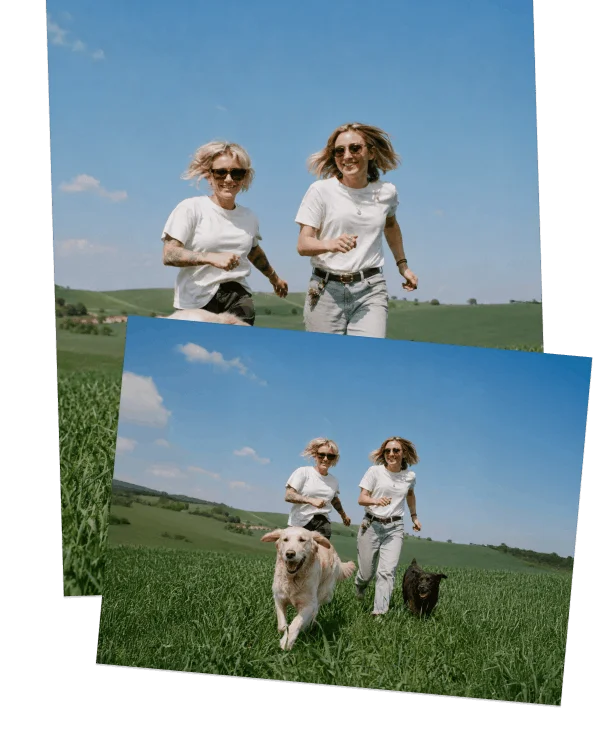
🧠 Generates Real Content, Not Stretched Pixels
Our technology reads your photo and creates new scenery, textures, and patterns that blend with the original. No distortion, no visible seams.
📐 Any Direction, Any Ratio
Extend left, right, up, down, or all sides at once. Pick preset aspect ratios (16:9, 1:1, 9:16, 4:5) or set a custom size.
🆓 Free AI Image Extender With No Sign-Up
No account, no credit card, no watermark. Expand your photos and download them at full quality immediately.
🔗 Open in PicCollage When You're Ready to Create
Take your expanded photo straight into the app to make a card, collage, or printable. One tap from extended photo to finished project.
An AI image extender is a tool that makes a photo larger by generating new content beyond its original edges. Unlike simple resizing (which stretches existing pixels and causes blurriness), an AI extender analyzes the scene in your photo and creates new matching content. The original part of your image stays untouched. The new parts blend seamlessly, so the result looks like one continuous photo.
TESTIMONIALS